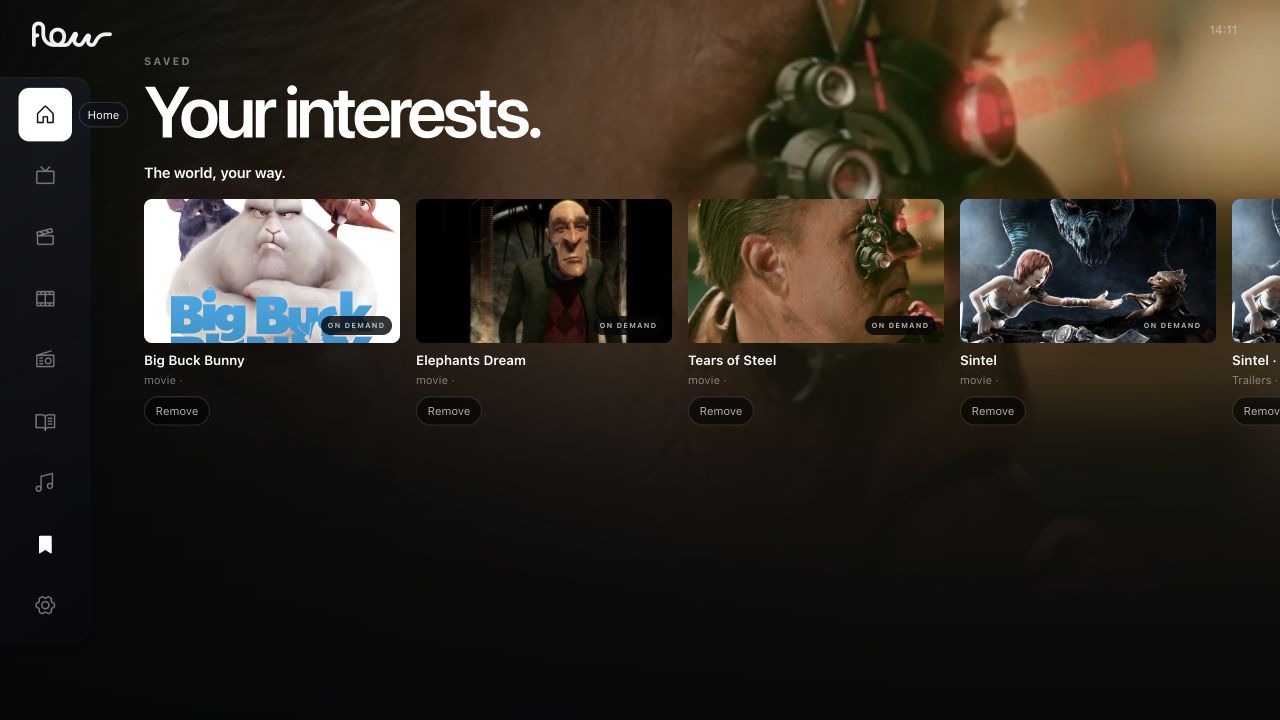
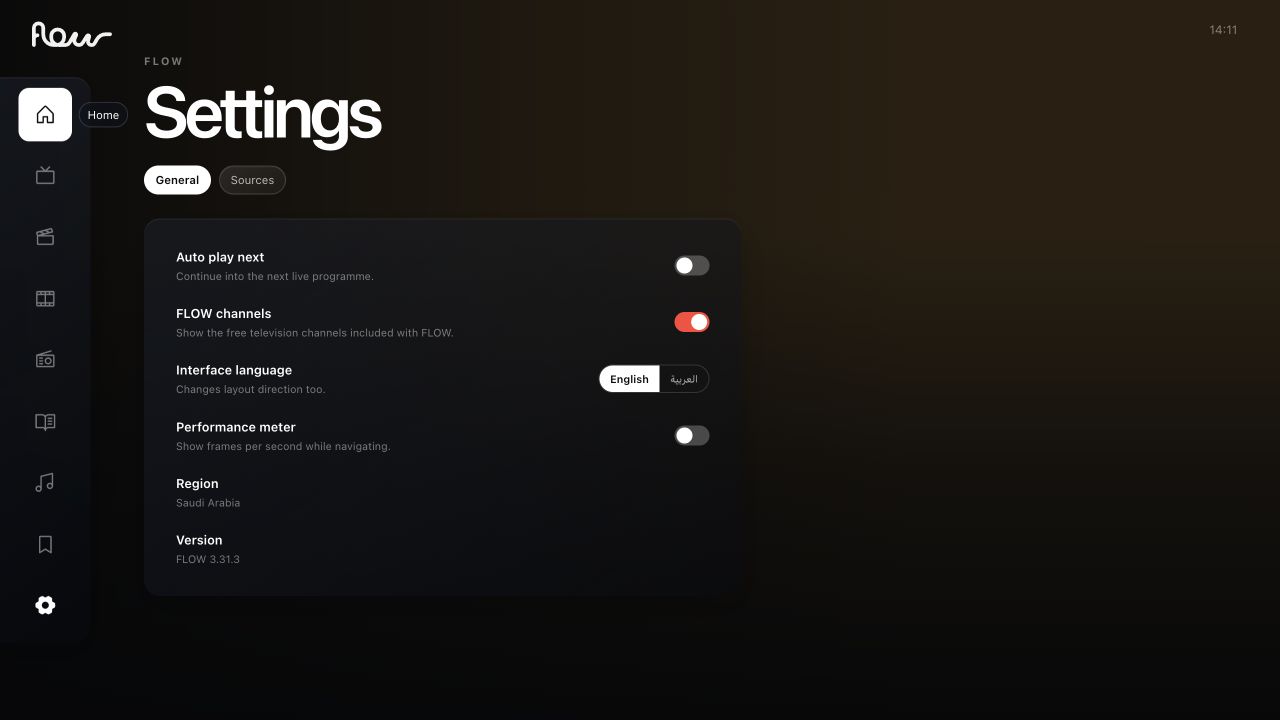
Know where you are.
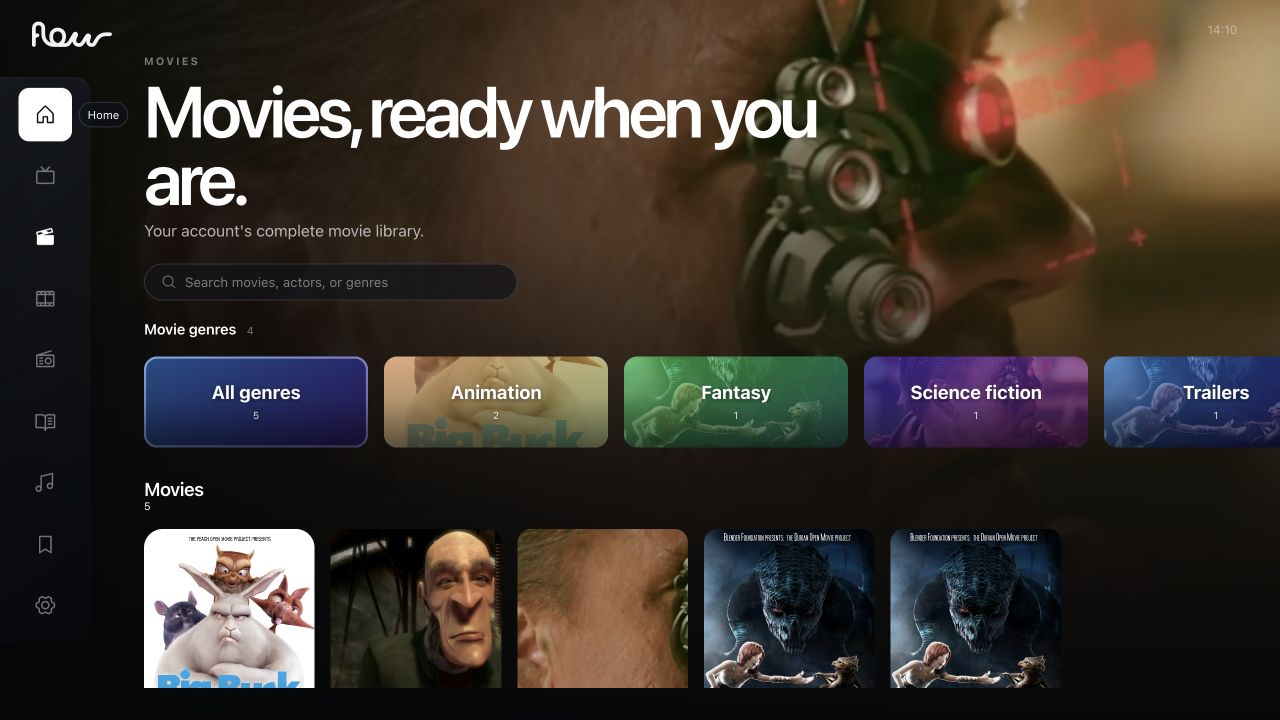
The rail makes the current section visible.
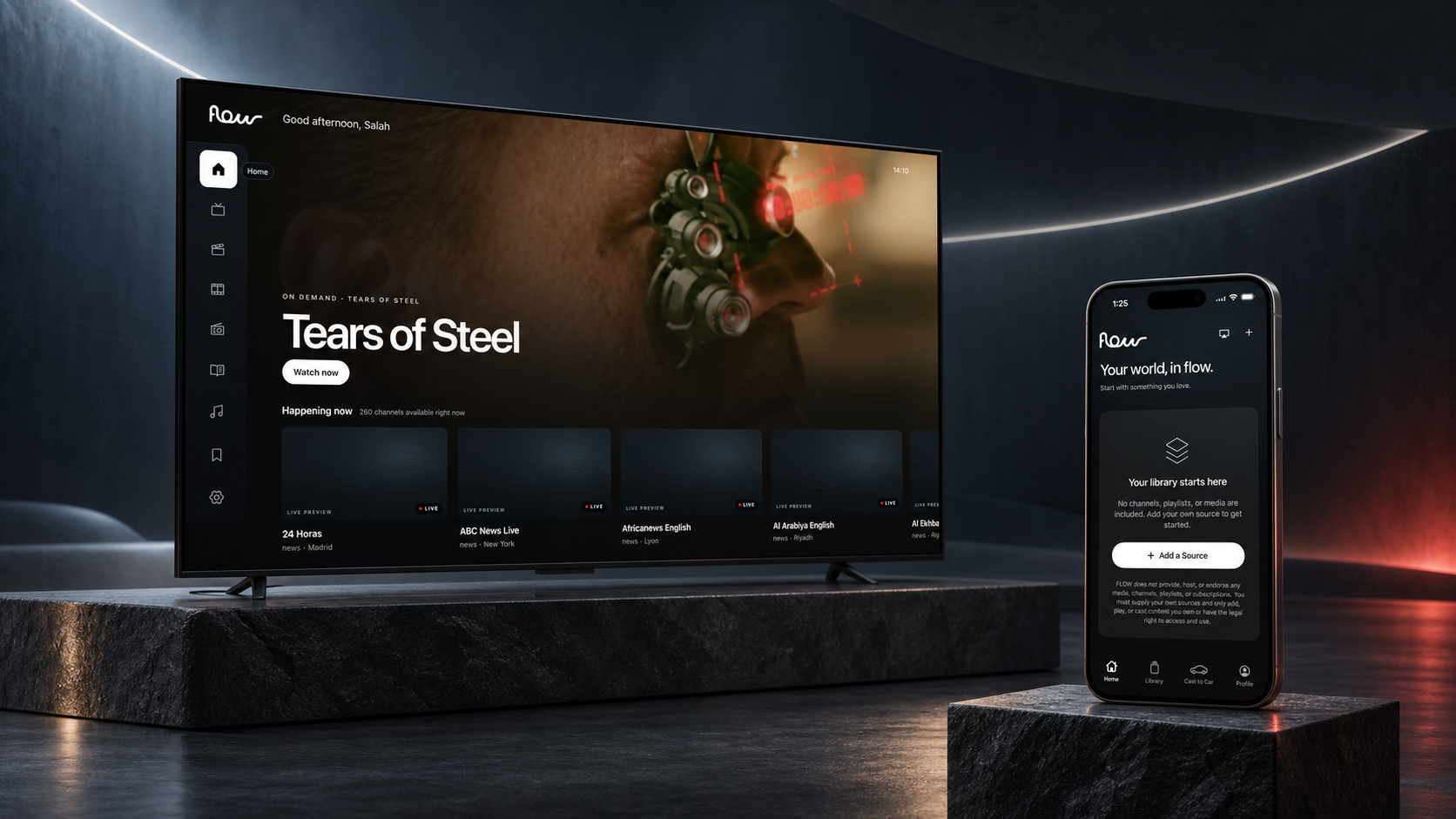
A personal media app for bringing your own sources together on iPhone and TV.
Discover on TV. Build your collection on iPhone. A shared visual language makes each screen feel like Flow.
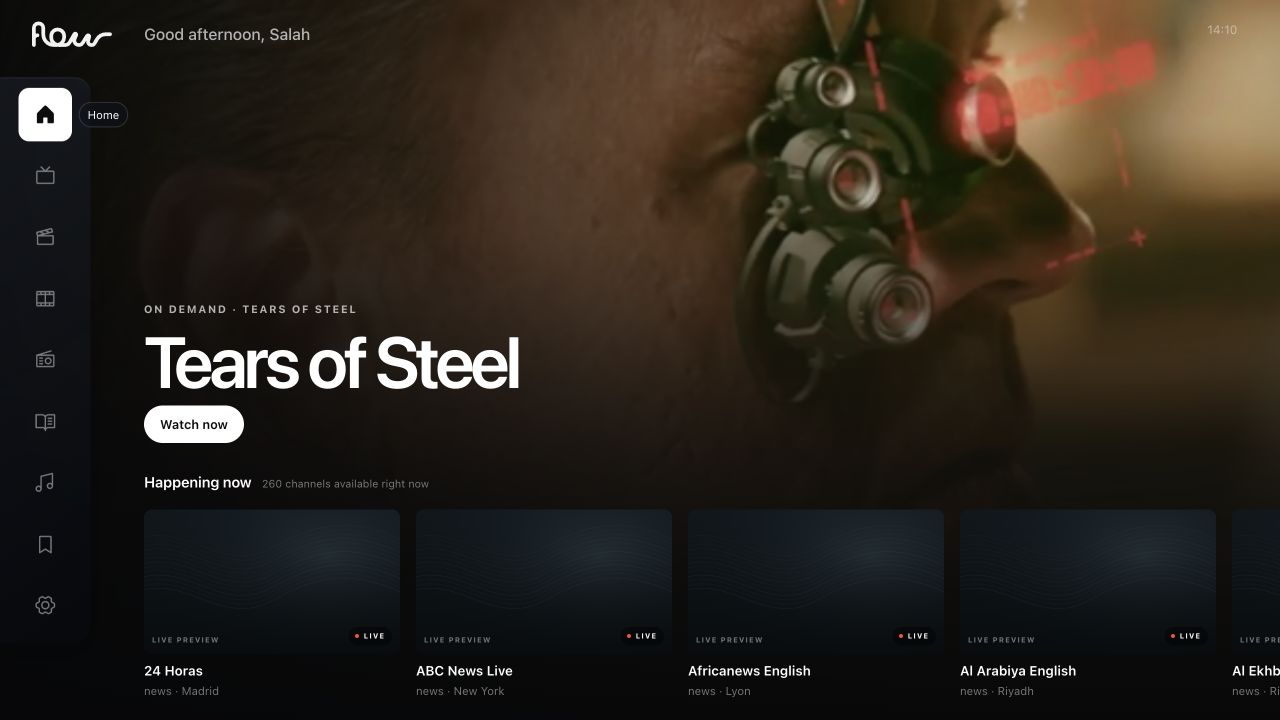
Featured content creates a starting point. The rail stays in place while shelves make room to explore.
A featured title offers a starting point; the navigation rail and shelves keep exploration within reach.
The rail makes the current section visible.
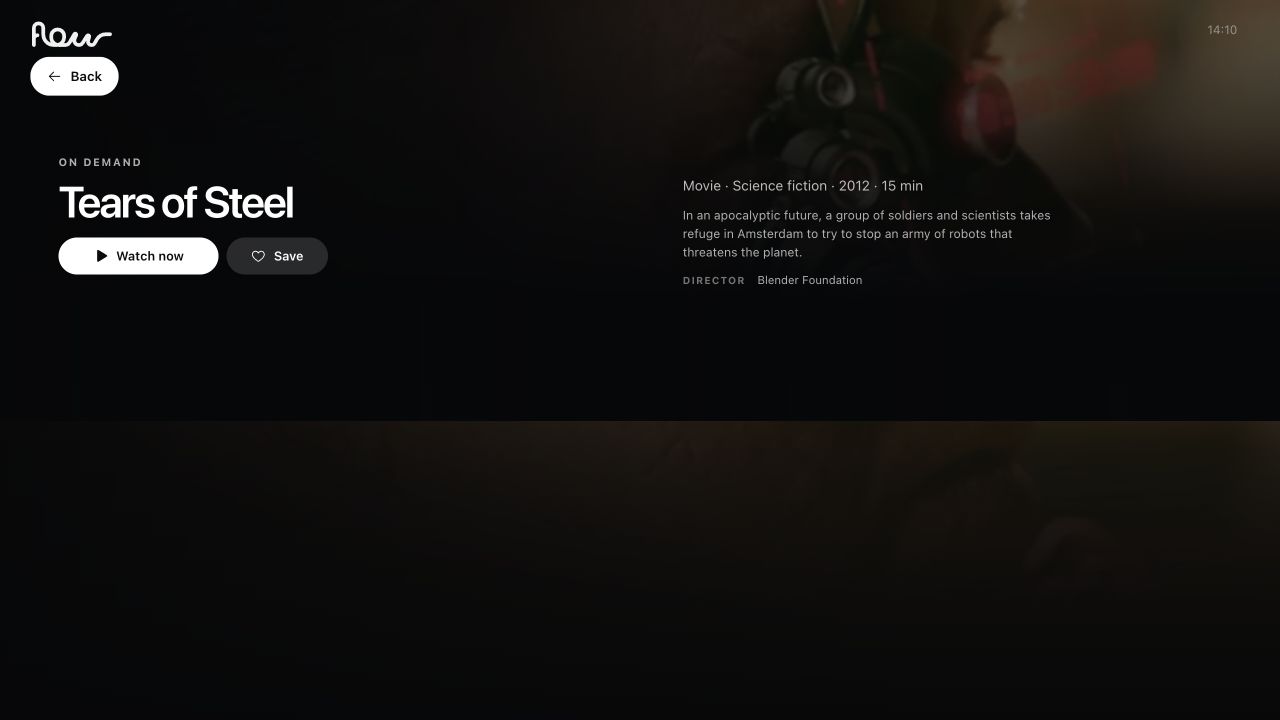
A prominent action sits beside the title context.
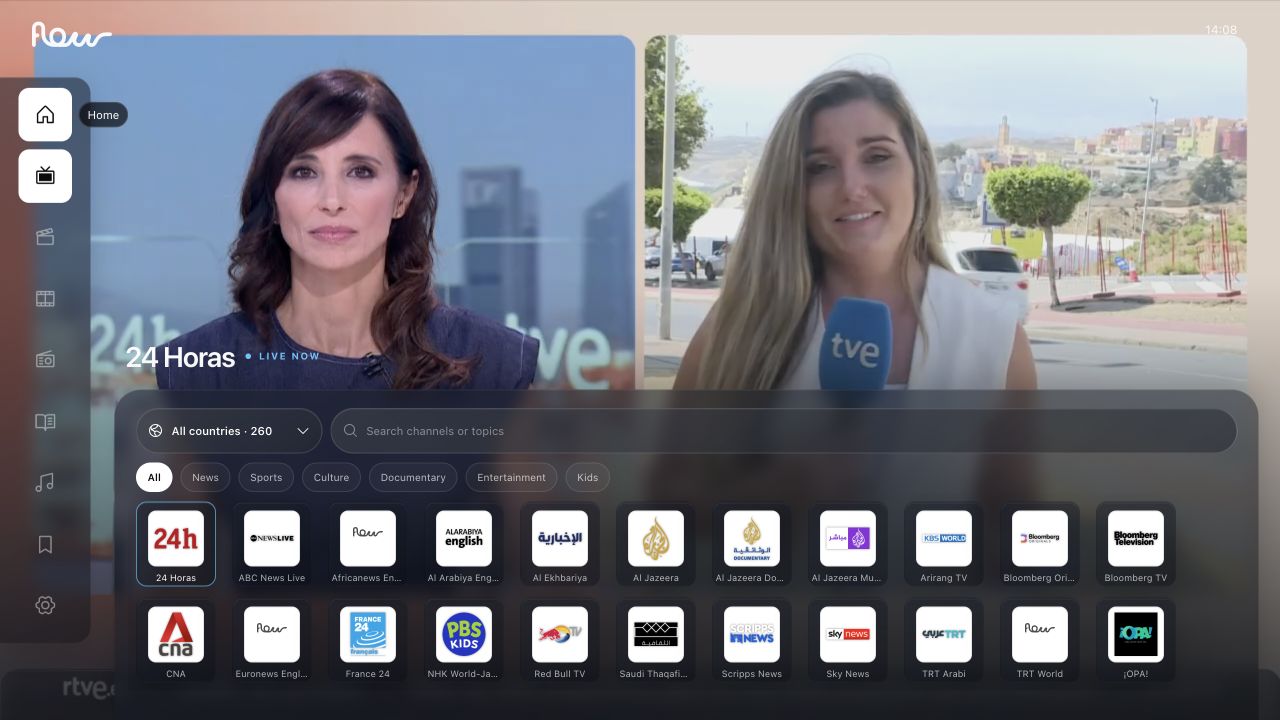
Collections create a readable rhythm across the screen.
Open any screen to inspect the original capture.
A personal place for the content you bring. Start on Home, add a source, and keep your collection within reach.
Home, Library and Add a Source · Current iPhone build
Explore Home, add a source, and move through your personal library.
Recorded in the Flow mobile simulator.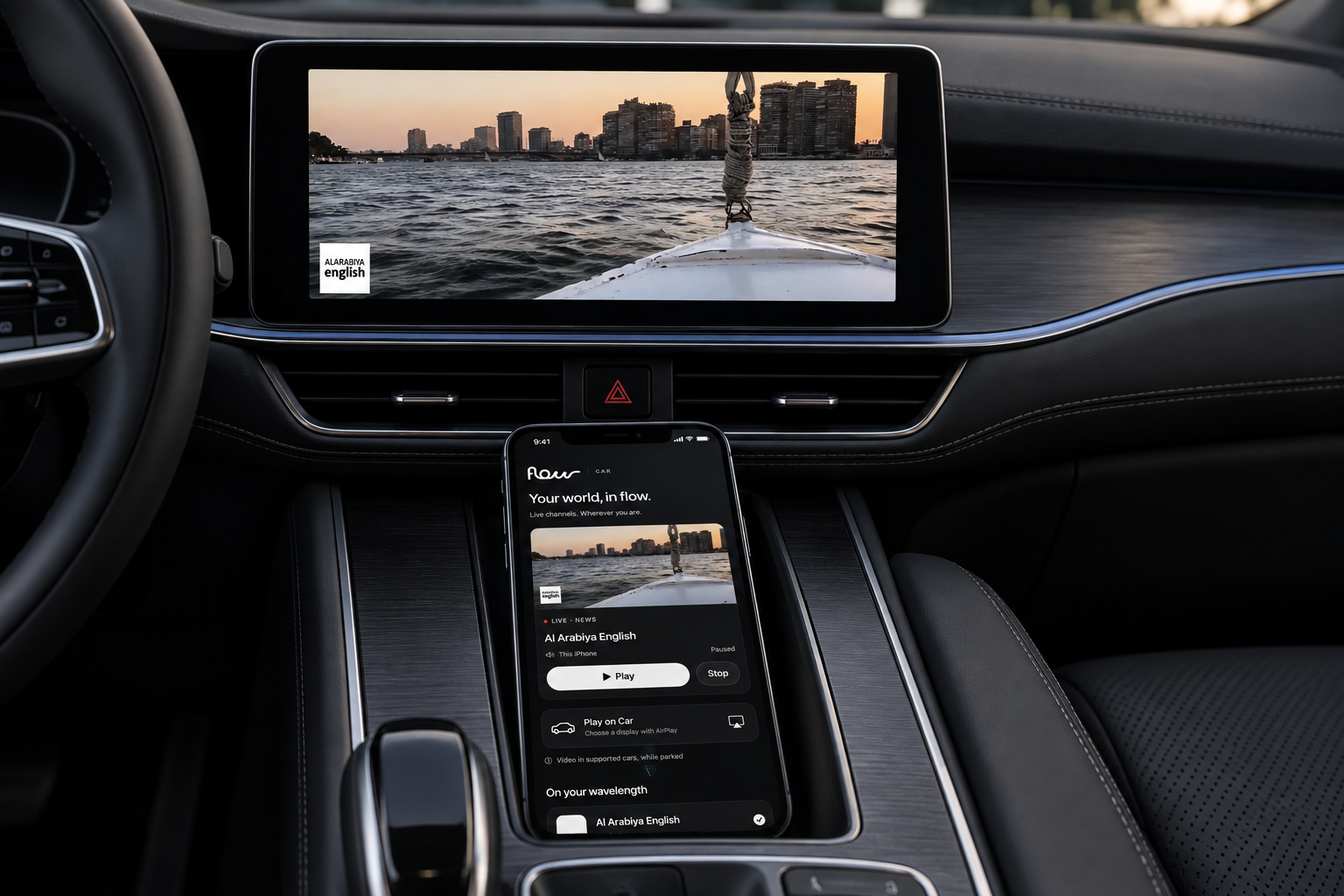
An output choice is a commitment. The interface should make it clear where content is going—and whether that connection is ready.

Large titles establish hierarchy. Restrained supporting copy and familiar native type styles keep the interface calm.
Ambient depth
Content canvas
Focus & action
Live status
Familiar symbols. A consistent rhythm.
Content and its next action, together.
The TV hero brings the content title and the Watch now action into one readable group.
Live status, channel name and location stay together as the collection grows.
Play, pause and move through the timeline.
A clear beginning. A familiar way back.
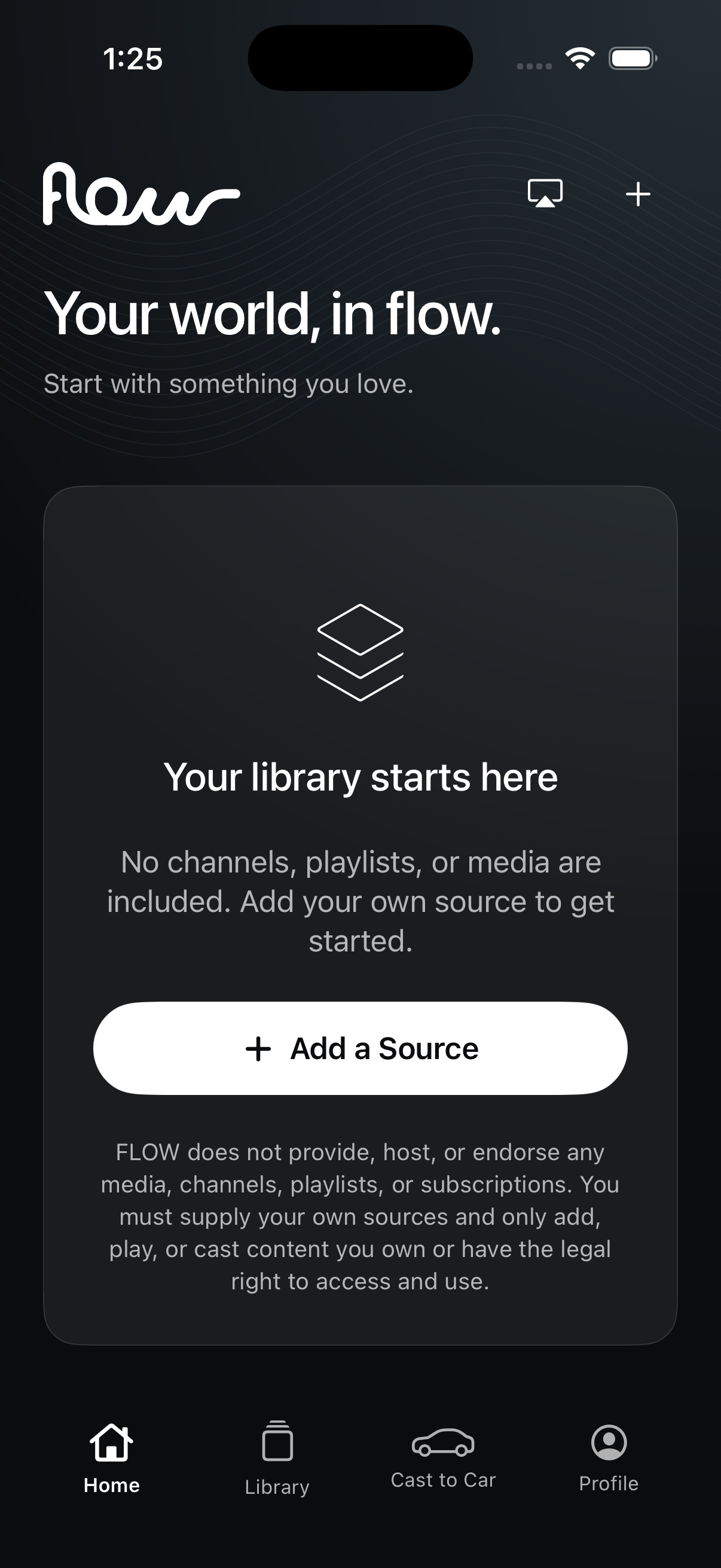
A dedicated empty state explains the personal-source model and provides a clear way to begin.
Bring your own content to FLOW.
A playlist, a media link or a local file—the setup keeps each entry point clear.
Recreated interface components alongside the captured iPhone empty-library state.